01
Step One
Create Your
Savings Pot.
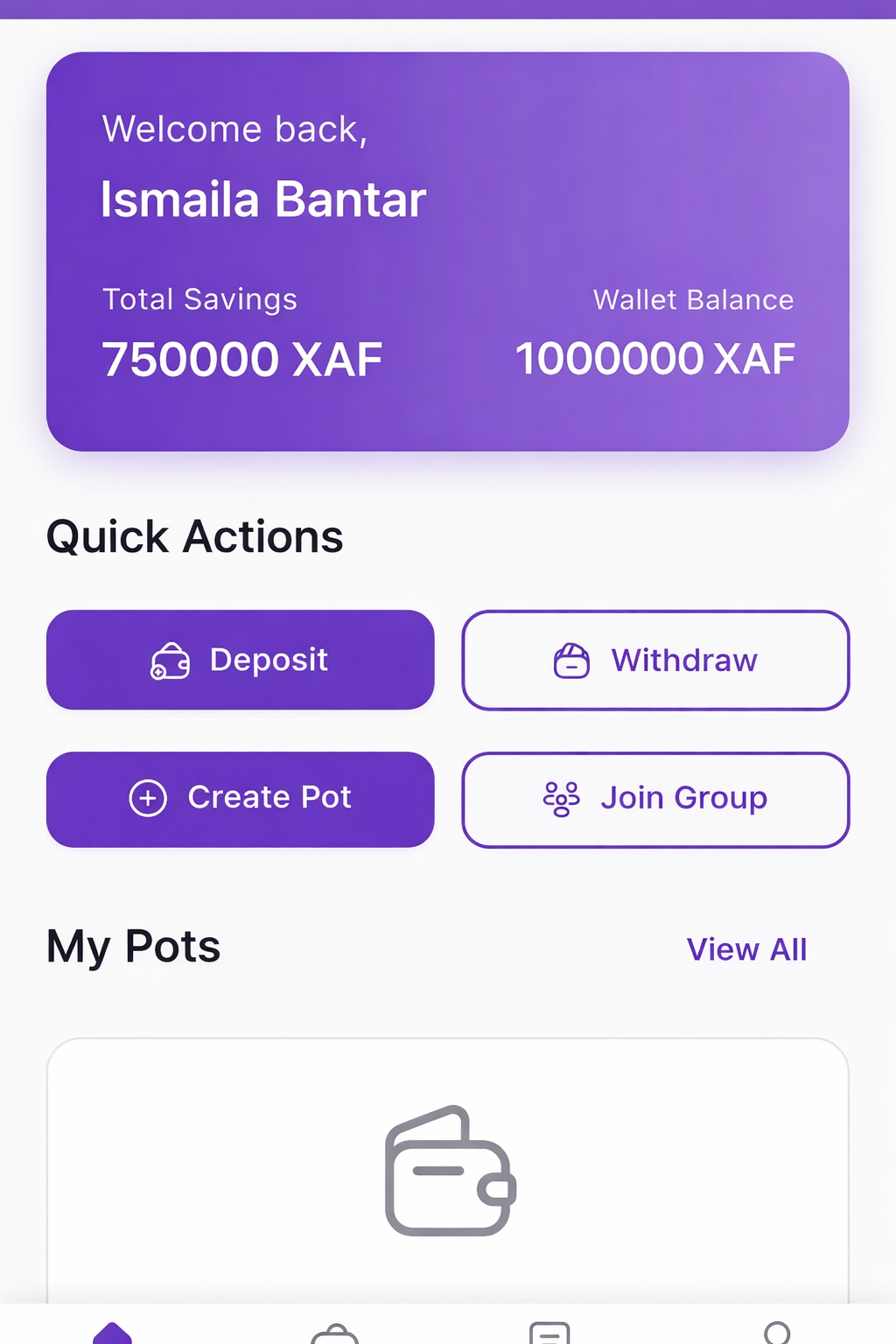
Think of a "pot" as a digital envelope for your money. Each pot has a purpose, a goal, and rules you set.
🎯
Personal Savings Pot
Name your pot (e.g. "New Phone", "School Fees"), set your target amount, and choose a lock date.
👥
Group Njangi Pot
Add members by phone number, set contribution amount and frequency (weekly/monthly), and choose payout order.
02
Step Two
Set It and
Forget It.
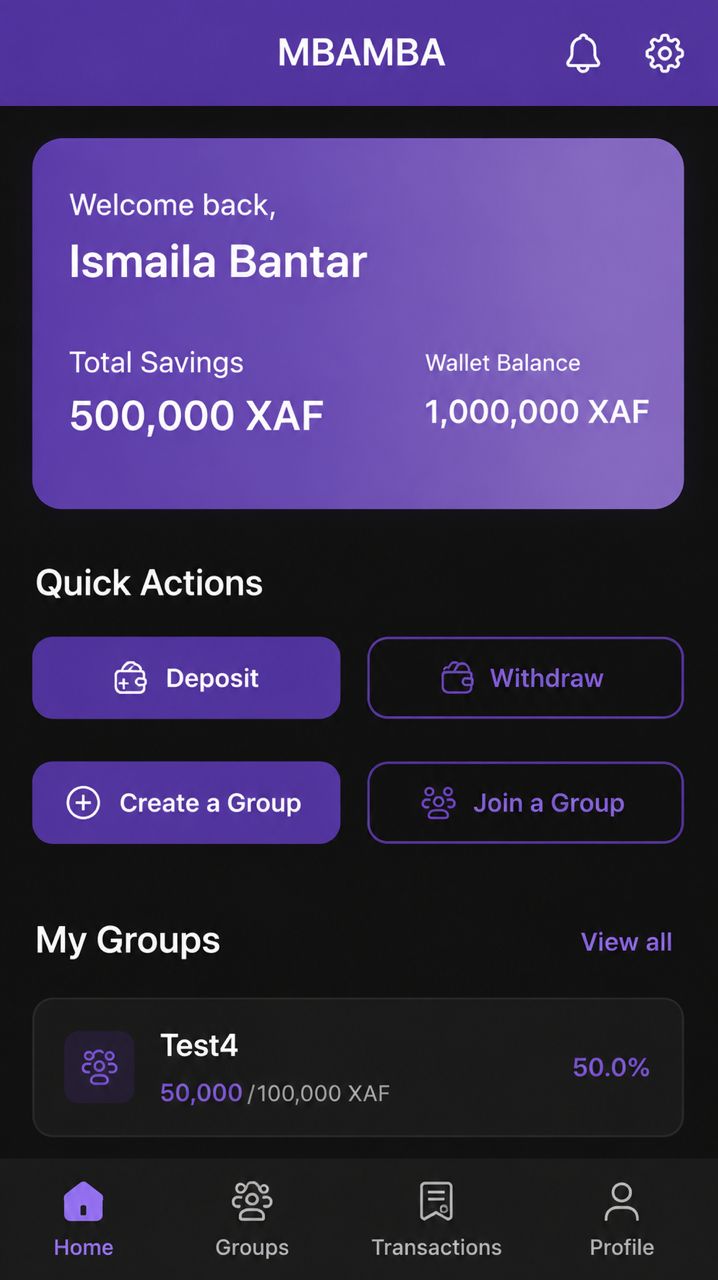
Connect your MTN or Orange Money account. MBAMBA automatically deducts your contribution on schedule. No reminders. No chasing. No stress.
Every member sees transactions in real-time. The transparency dashboard shows exactly who has paid and who hasn't.
MTN Mobile Money
Orange Money

03
Step Three
The Cycle Continues
Automatically.
When it's time for payout, MBAMBA handles everything with no manual intervention required.
- ✓ Full pot transferred to the designated member
- ✓ Next cycle contributions deducted automatically
- ✓ Everyone stays on track without lifting a finger
- ✓ Personal pots unlock when you reach your goal date